How to restore deleted files
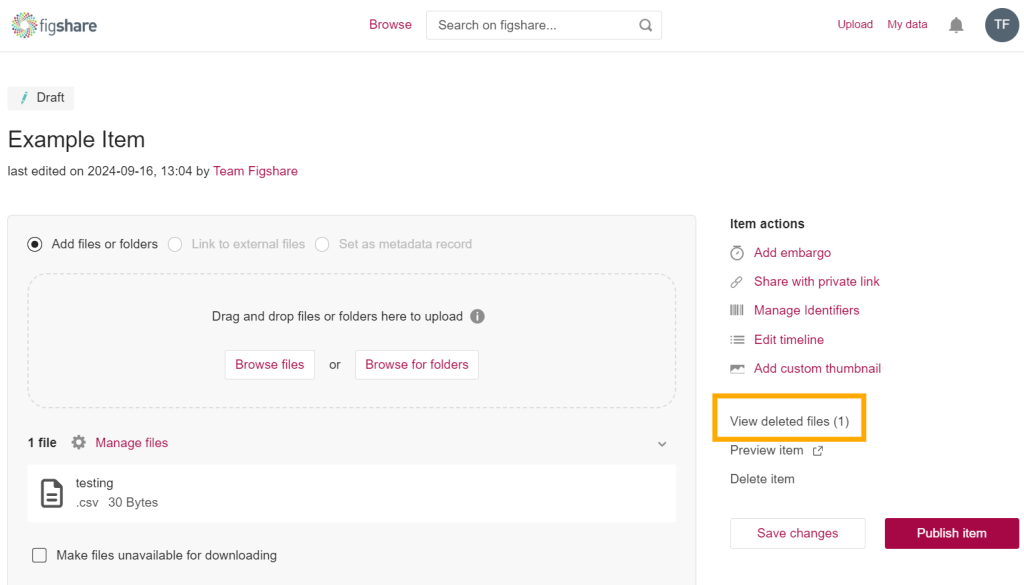
From the edit item page in your My data, you can restore deleted files in an item for up to 30 days from the point at which they were deleted (the time period may be different for institutional versions of Figshare). To restore deleted files, click on View deleted files on the right-hand side of the edit item page.
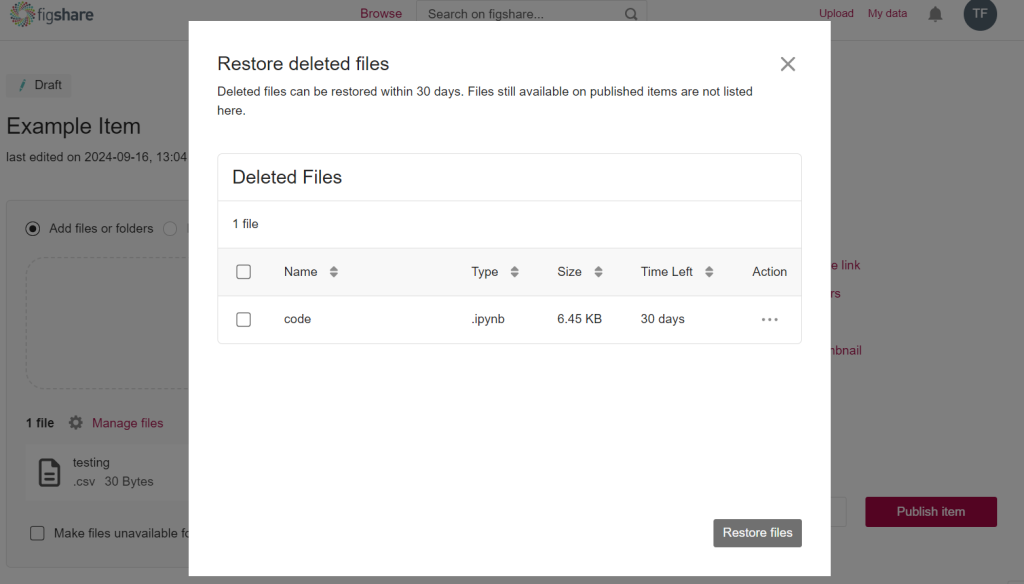
A pop up appears and you can restore one more more deleted files to the item. Just check the box(es) next to the file(s) and click the Restore files button.