
How to get a Personal Token
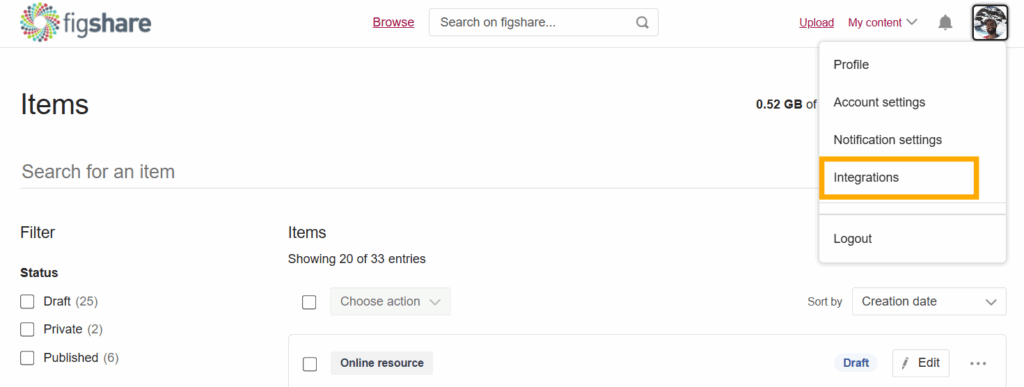
To access your private Figshare data via our API you will need to create a Personal Token. To obtain a token (or multiple tokens) login and click your user icon in the upper right and select Integrations.
On scrolling down the page you will find a section called Personal Tokens. To generate a new token select Create personal token.

A box will appear asking you to describe the token – choose a title that is meaningful to you.
Click Save and a token will then be generated, please remember to make a note of this as you will not have a chance to see the token again.
The token will now be listed on your Integrations page, under Personal Tokens, but you will never be able to see the actual token again. You can only delete it.
If you think others have seen your token or gained access to it, delete the token and make a new one.

